Generate assets
Choose asset type, grid size, camera view, palette, style preset and background cleanup before prompting.
Pixomundo docs
Use the Pixomundo docs to generate game assets, clean them in the pixel editor, create animation frames and export production files for your engine.
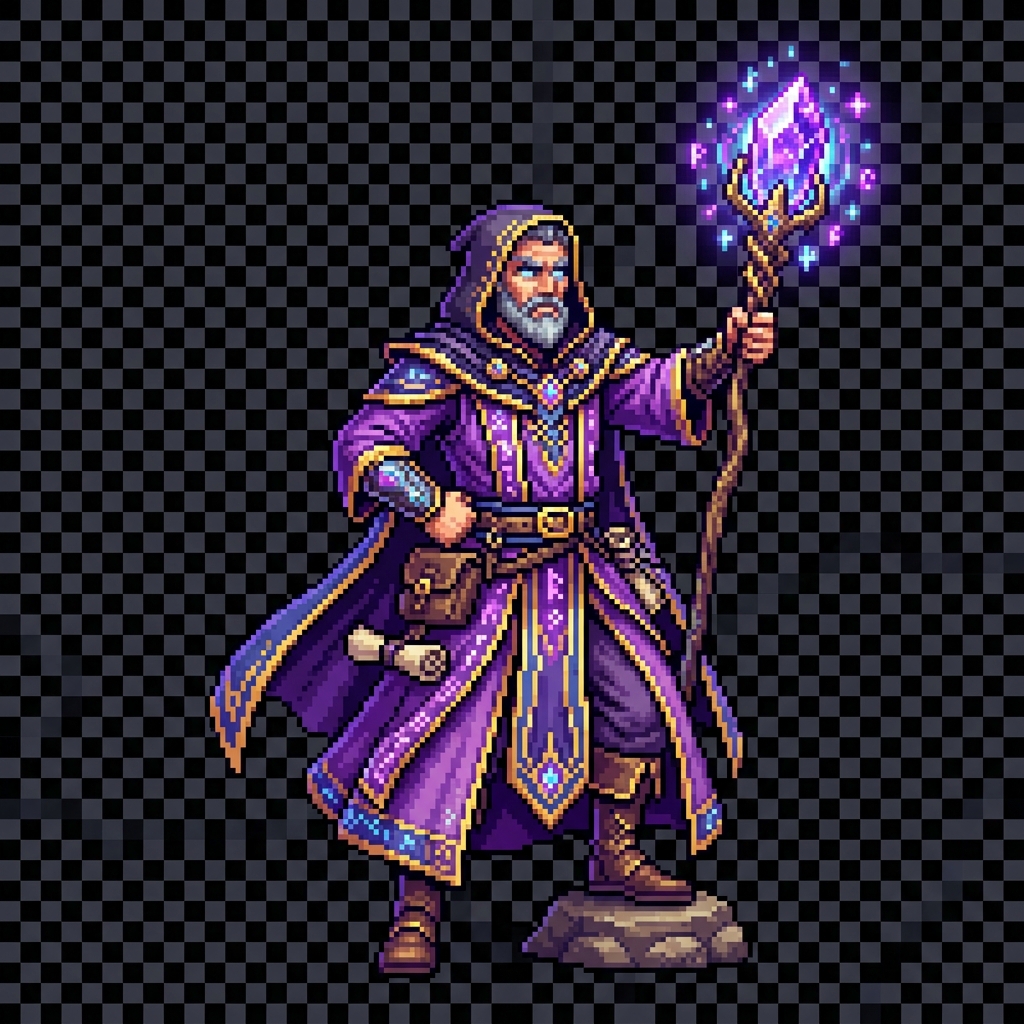
Choose asset type, grid size, camera view, palette, style preset and background cleanup before prompting.
Use brush, eraser, bucket fill, selection transform, color picker and palette controls for pixel-level cleanup.
Download PNG, SVG, spritesheets, frame strips, PXL files or Game Kit ZIPs with metadata.